Find your Steady,
every day.
Find your Steady in the patterns of your day. Steady reads your heart rate variability to show when you're calm, elevated or stressed — and helps you understand why.
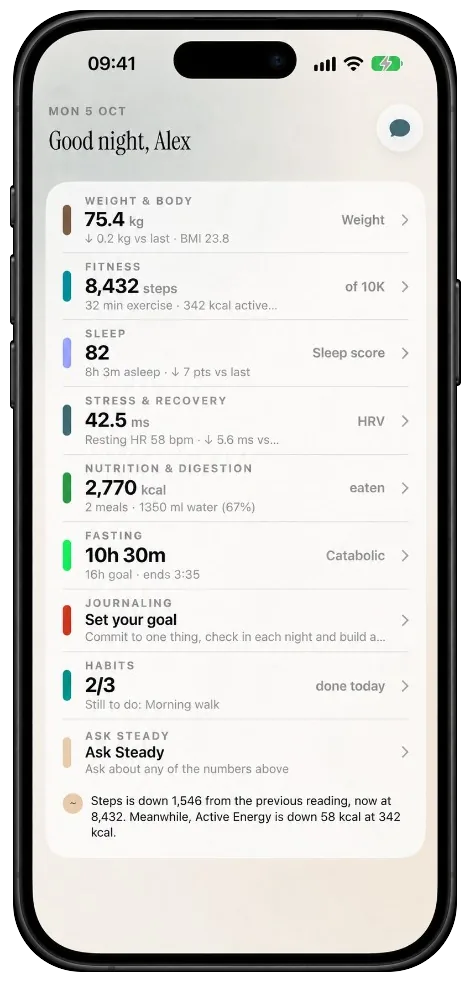
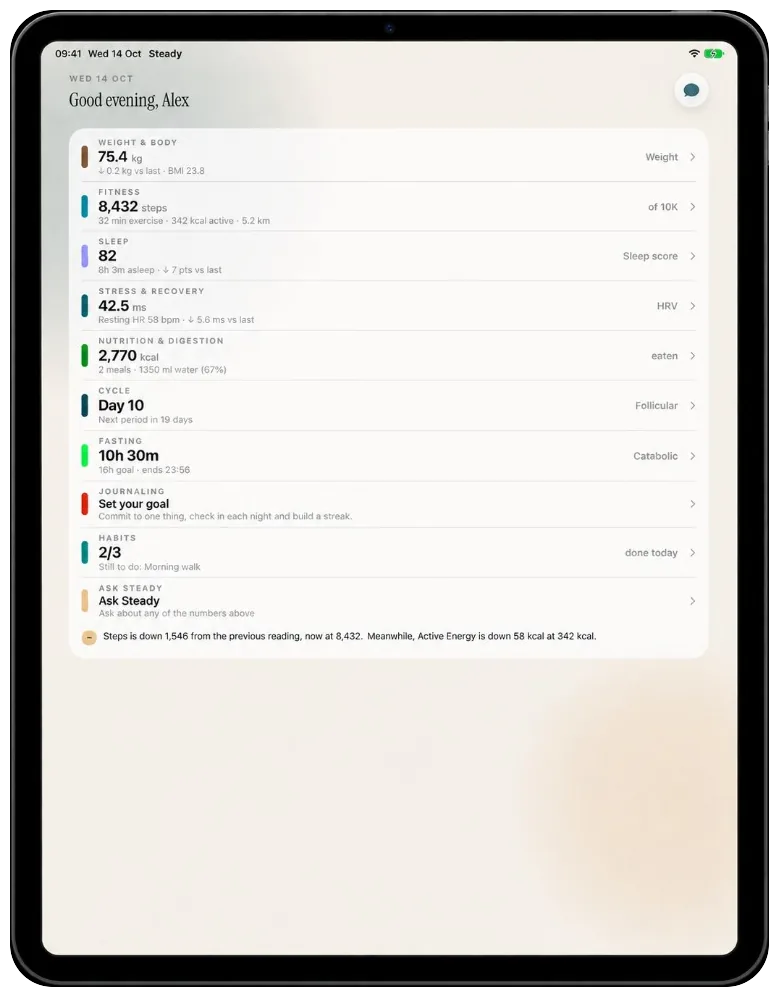
Health is always home and Settings is always last. In between, you choose two focus tabs from Stress, Trends, Sleep, Cycle and Chat — so the bar stays short and everything else is a tap away from the dashboard.
Your whole picture, one calm page.
The dashboard opens with an overall health header, the shortcut widgets you choose, and a section for each group of metrics. Fifteen of them have their own screens with charts, ranges and plain-language explanations.
- Trends compares longer ranges, summarises what changed and goes deep on any metric
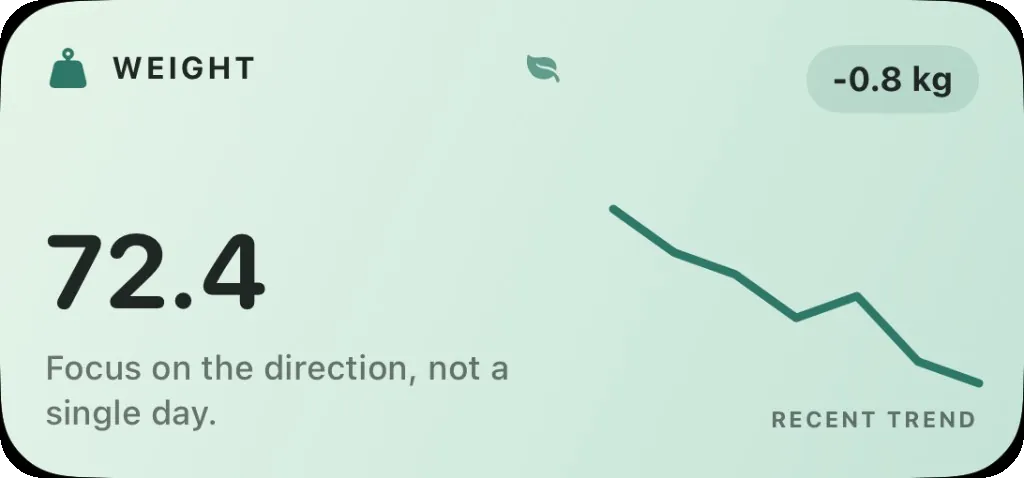
- Weight has a goal on top: set a target, check in, and see a projection against your plan
- A dedicated blood pressure view and an HRV breakdown with its own insights
- HRV↗ +6%
- Resting heart rate↘ −2 bpm
- Steps↗ +12%
- Sleep score↘ −3
72.4 kg today. At this pace you reach 70 in about eleven weeks.
Averaging 118 / 76. Both readings sit inside your usual band.
How Steady reads stress
Steady is built on heart rate variability (HRV) — the natural variation in time between heartbeats. Higher variability usually means recovery and calm; lower variability signals strain.
Any device that writes heart rate or HRV to Apple Health works. An Apple Watch also runs Steady on the wrist.
Everyone's HRV is different. Steady learns your personal range, so "elevated" means elevated for you — not a generic average.
Your day is sorted into three simple states over 24, 48 or 72 hours — with insights on the stressors behind them.
Name it while it's happening.
When stress spikes, label the moment with a reason — one of ten categories including work, money, sleep and relationships. Over weeks, Steady shows you what keeps showing up, so patterns stop being invisible.
- Log a stressor in two taps, right from the moment — or from a widget
- Hourly trend, weekly heatmap, monthly summary, baseline and variation cards
- A daily journal with a mood and an optional note
Label the times you feel stressed with a reason so you can see what keeps showing up.
A whole year, at a glance.
Every day gets a colour. Scroll back through the last twelve months and watch stressful seasons soften — proof that what you're doing is working.
Switch between them any time.
Compares today's HRV to your rolling baseline, so "elevated" means elevated for you — not for a generic average.
Four counts each way, on the Watch with haptics.
A mood and an optional note, kept on your device.
Every night, explained.
A sleep overview, then each night in detail with a hypnogram of your stages. A schedule view keeps bedtime and wake-up consistent, with reminders that arrive when you'd actually want them.
- Awake, REM, core and deep stages drawn per night
- Bedtime and wake-up reminders on a schedule you set
- Sleep score, respiratory rate and VO₂ max in the same section
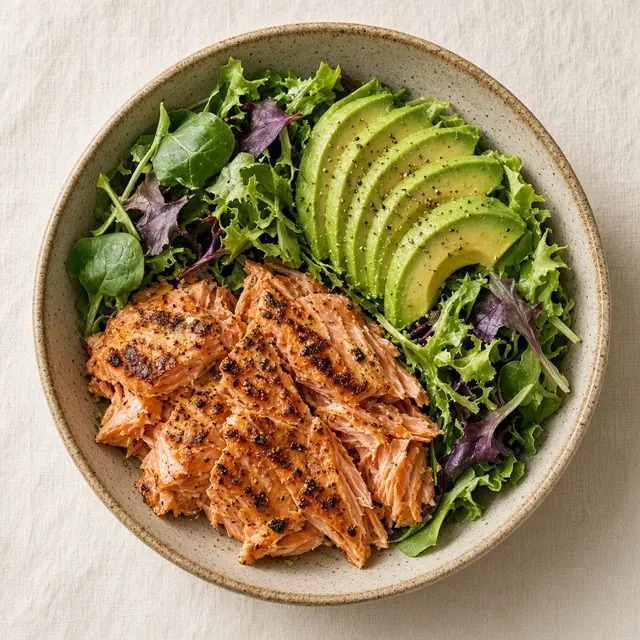
Photograph it. Steady works out the rest.
An on-device Vision classifier labels the photo, a validator checks it actually looks like food, and Apple's Foundation Models estimate calories and macros from those labels plus anything you add. Barcodes resolve through Open Food Facts.
- Caffeine and alcohol logged alongside meals
- Calories aggregated, a digestion dashboard and weekly trends
Water that moves when you do.
The hydration screen is an animated water level driven by a physics engine that responds to your device's motion. Log drinks in millilitres or your preferred unit; they sync to Apple Health. History and settings round it out.
Tilt your phone, or move your pointer over the glass.
Writes to Apple Health — the only thing Steady writes back.
Two kinds of habit, one quiet nudge.
Count something against a daily or weekly target, or schedule it for specific times. Each habit gets a colour, a detail view, an editor, a contribution graph and a history with statistics. Notifications arrive at the right moment.
Ask questions on your health data.
A private coach for the readings you already have — stress, sleep, fasting, fitness and more. You choose what to attach. Answers stay with you.
Attach the metrics and timeframe you want discussed — HRV, sleep, weight, cycle — and ask in plain language.
Runs on Apple Intelligence on your iPhone. Your health readings never leave for Steady’s servers — there aren’t any.
When a larger model helps, it runs inside Apple’s Private Cloud Compute — still private, still not Steady’s cloud.
Only what you choose to share with the model.
Tap attach, pick metrics and a window of time, then ask. Answers arrive as structured cards — mini trends, sleep summaries, short recommendations — not walls of text.
- On-device model first; Private Cloud Compute only when needed
- You attach the data — the coach never sees the rest of your Health library
- English-only for now — and it says so in your language when it can’t help
Your HRV dipped on the two nights you slept under six hours, and both followed a logged work stressor. Weekend readings recovered to your baseline.
Try 22:15 on deadline days.
Your calm hours rose on walk days.
Consistently your most stressed day.
Wake up. Commit. Do.
Steady Journaling


Know where you are in the month.
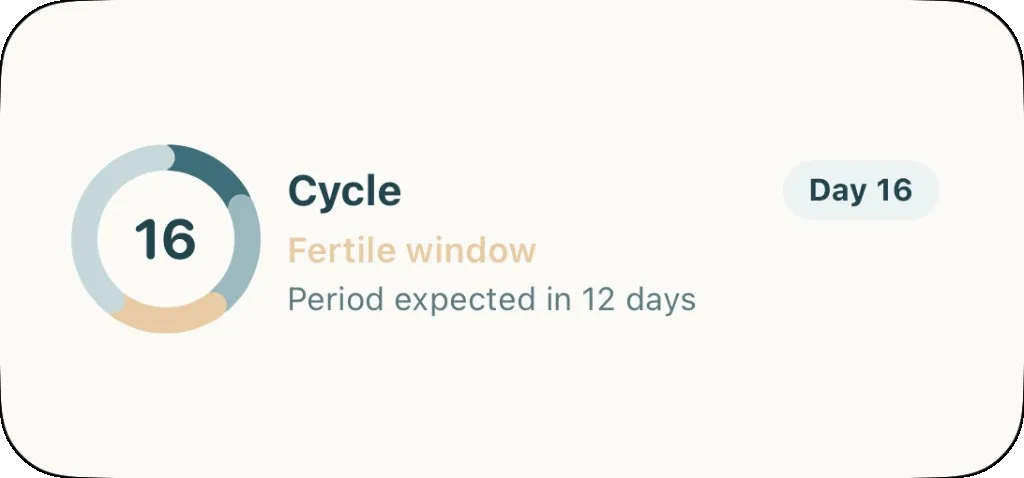
Log flow, spotting, cervical mucus, ovulation tests, basal body temperature, sex, symptoms, mood and notes. A predictor projects your phases and fertile window, and a widget puts today's phase on the Home Screen.
- Calendar, phase dial, fertile window card and past cycles list
- Fertility view, flow health view and a basal body temperature chart
The part nobody talks about.
A quiet diary for stool entries on the Bristol stool scale — with an illustrated chart and history, in Steady’s own warm palette. Log in two taps from a widget or quick action, then notice patterns over weeks.
- Types 1–7 mapped to constipation, ideal and diarrhoea
- Illustrated chart and a history you can scroll back through
- Quick action and widget jump straight into a new entry
Its own world, after dark.
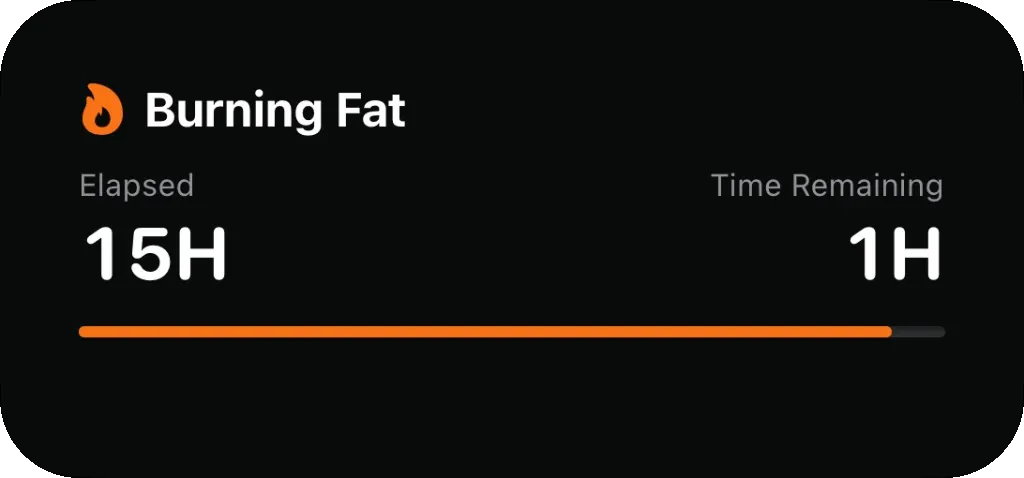
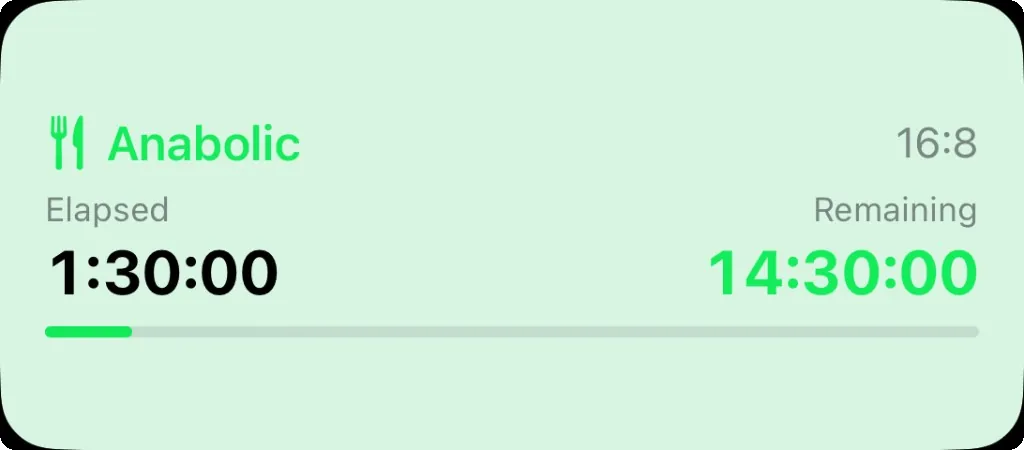
Fasting runs on a near-black theme of its own. Pick a schedule, start the timer, and watch your body move through five metabolic zones — from anabolic through catabolic and fat burning into ketosis and deep ketosis.
Seven schedules
Pick one that fits your week, or write your own.
Five zones
Anabolic · Catabolic · Burning fat · Ketosis · Deep ketosis
Fat burning begins as glycogen stores are depleted.
i

Bernie levels up as your fast deepens. Reach a new zone and he changes with you — a small reward for staying the course.
- Live Activity on the Lock Screen and in the Dynamic Island
- Widgets for the Home and Lock Screens
- Extend, end early, or edit a session afterwards
- History feeds a statistics view
On your wrist — or from any Health device.
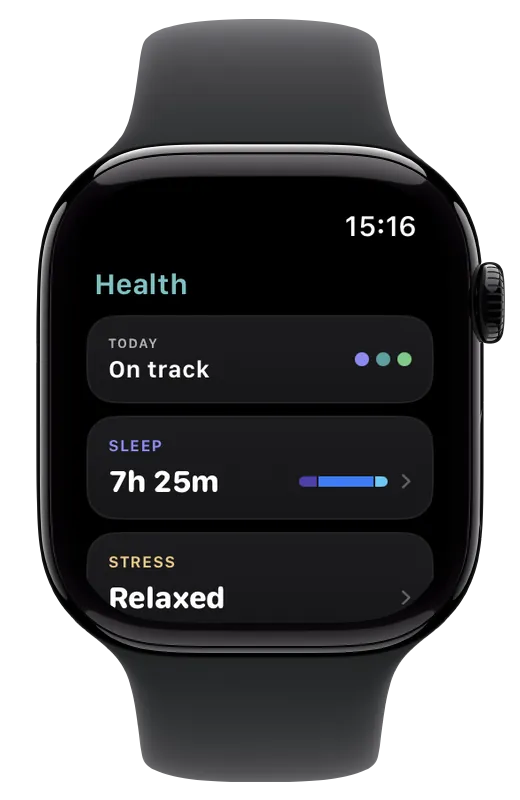
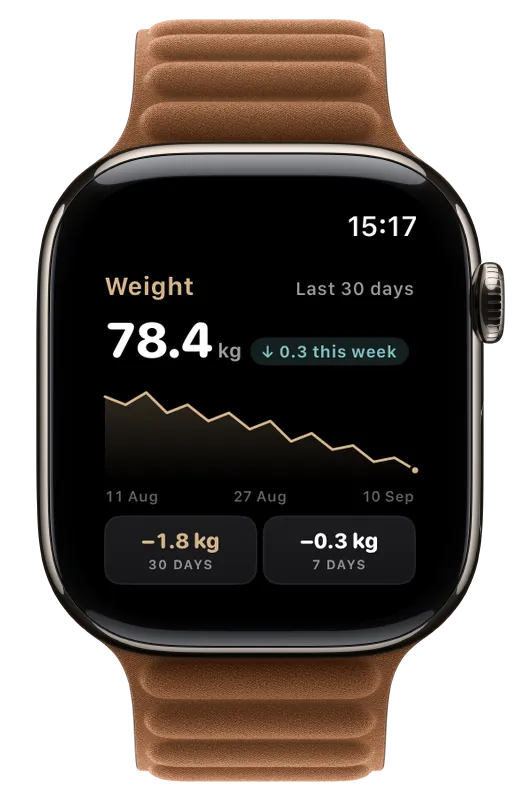
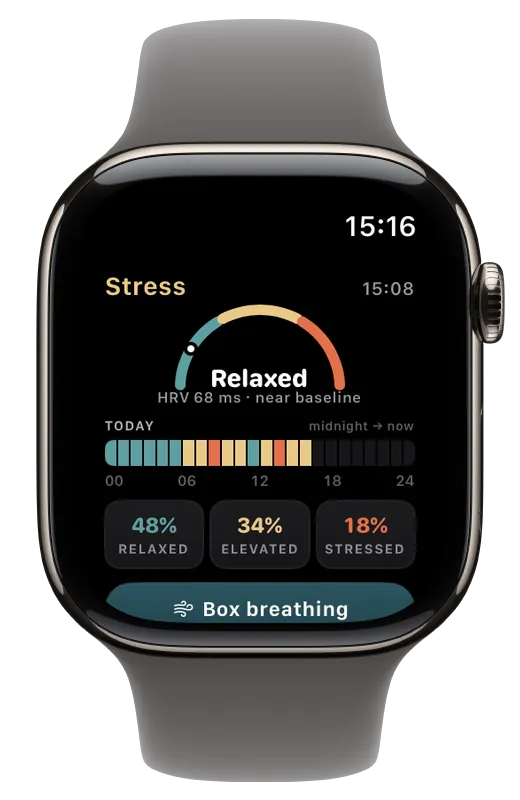
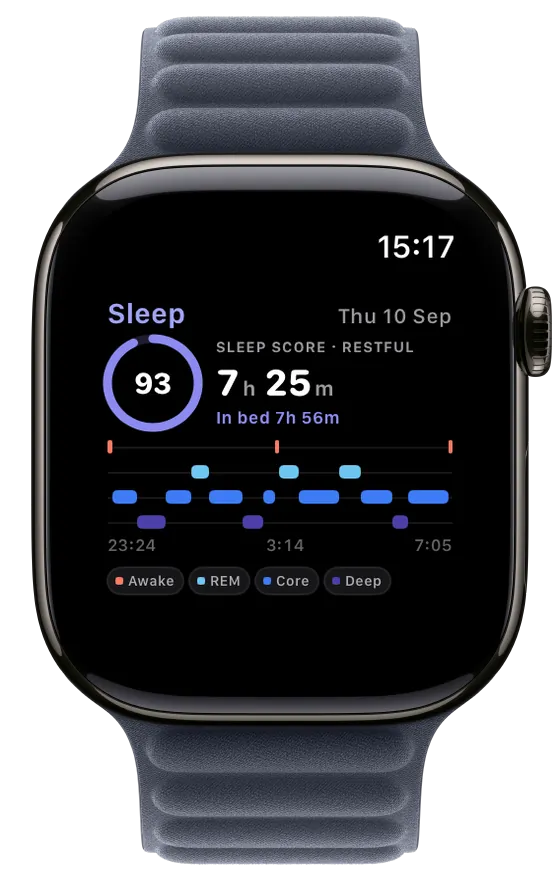
Steady reads whatever lands in Apple Health. That can be an Apple Watch, or any other smart device that writes heart rate, HRV, sleep, weight or fitness there. The phone is home; the Watch app is the companion that keeps stress, sleep and breathing a glance away.
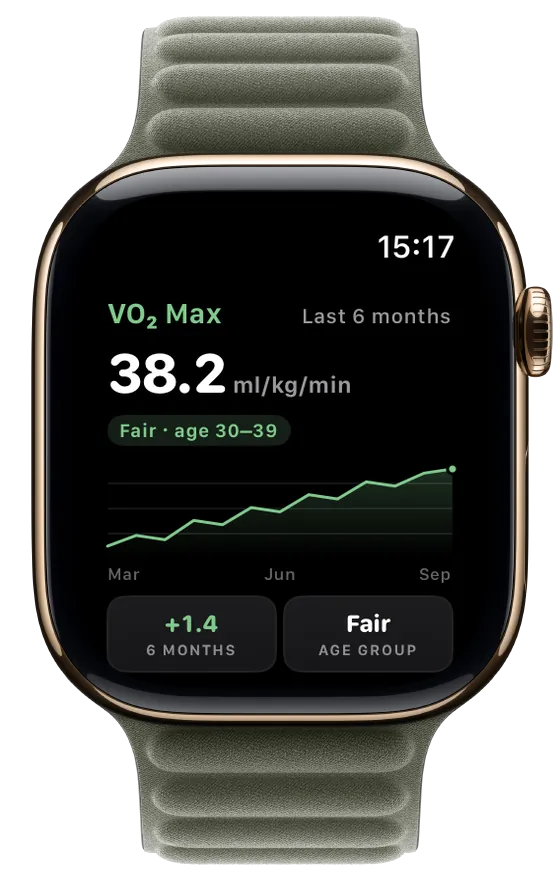
If a wearable or scale writes to Apple Health, Steady can read it on iPhone — Watch optional.
Stress gauge, day strip, sleep hypnogram, weight, BMI, VO₂ max, weekly recap and trend charts.
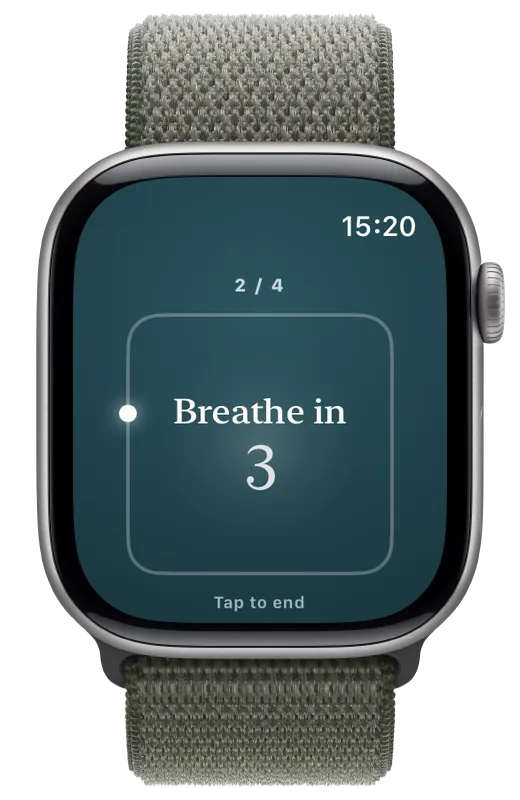
Box breathing runs on the Watch with a moving dot and haptics. HRV alerts arrive on the wrist.
Phone and Watch keep each other up to date over Watch Connectivity — between your devices, not a server.
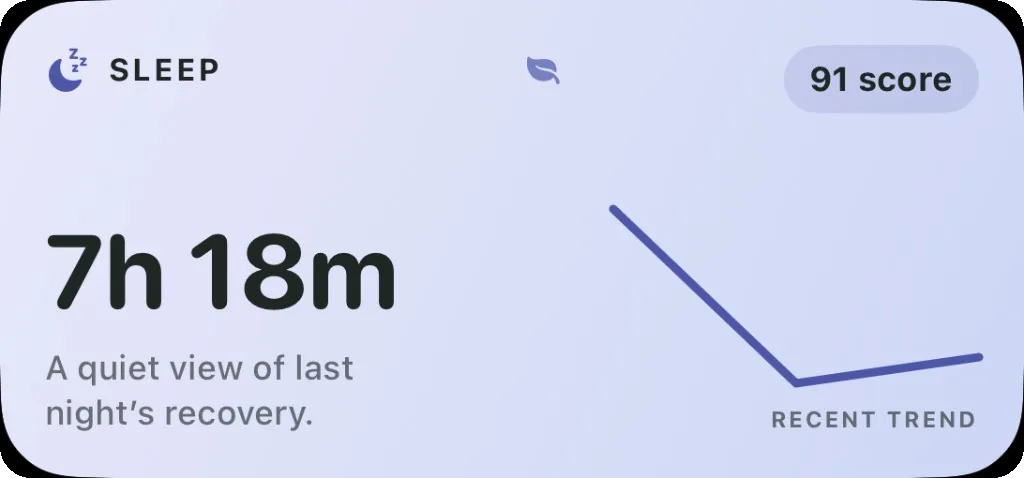
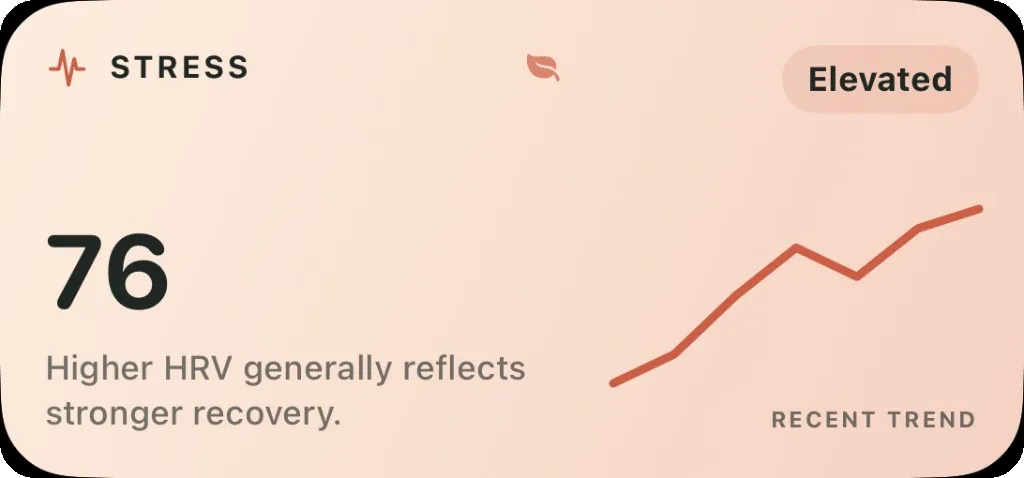
Nine widgets, and a glance is enough.
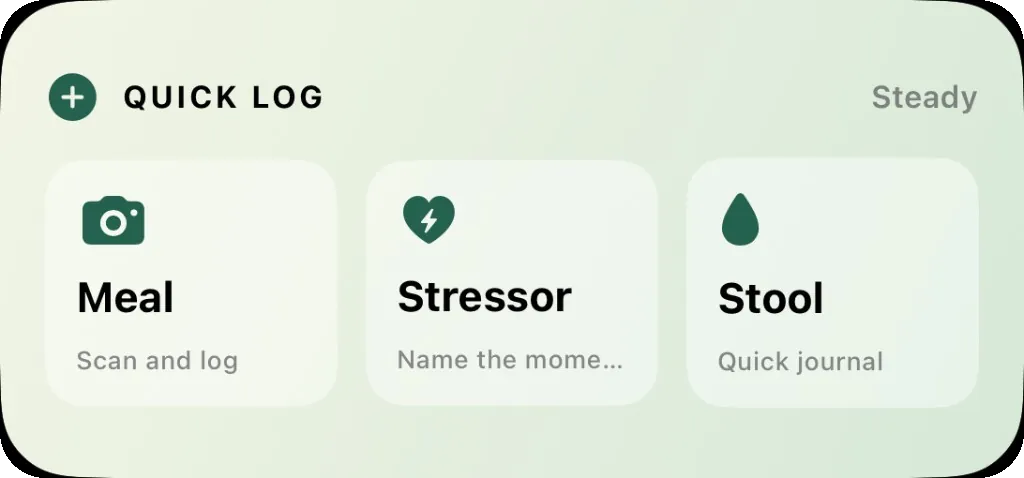
Health, quick actions, stress, fasting, cycle and a Live Activity — each one a small, considered picture of your day. Lock Screen widgets and complications put the same story on any watch face.
Home Screen
Live Activity
Lock Screen
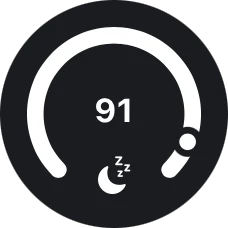
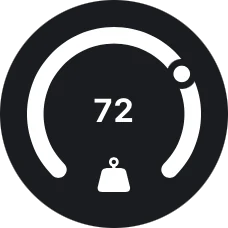
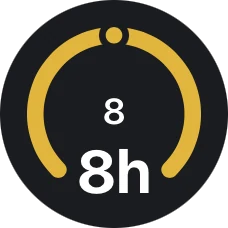
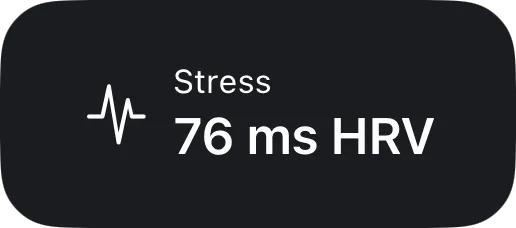
Watch complications add stress and individual health metrics to any watch face. Quick actions jump straight into logging a meal, a stressor or a stool entry.
Your readings stay on your phone.
Nothing to sign up for. Health readings, journal notes and history live in the app on this device. Steady reads Apple Health with your permission and writes nothing back except the water you log.

- On this iPhone
Readings, notes and history stay in the app. No account, no cloud copy of your health.
- Read-only, almost
Steady reads Apple Health with your permission. The single thing it writes is hydration.
- Chat stays private
Apple Intelligence on device, with Private Cloud Compute when needed. The coach only sees metrics you attach.
- Watch stays in step
Phone and watch sync over Watch Connectivity — between your devices, not a server.
Twenty-one languages. Your units.
Steady targets iOS, watchOS and widget extensions, storing data in SwiftData. Distance, weight and temperature follow a US, EU or UK preference.
Questions, answered.
No. Steady reads Apple Health from any device that writes there — Watch, ring, scale or other sensor. The Watch app adds stress, sleep, breathing with haptics and complications, but the iPhone app works on its own.